SnapTidy
Capture. Organize. Create.
Highlights
- Searchable Screenshots
- Powerful Image Editor
- Document Scanner
- Long Screenshot Stitcher
- Video Editor
- Beautiful, Distraction-Free UI
SnapTidy is an all-in-one screenshot and photo management app built for people who take their visuals seriously. From the moment you capture a screenshot, SnapTidy gets to work — extracting text with on-device OCR so everything is instantly searchable, organizing your library automatically, and giving you a full suite of professional tools to edit, annotate, and share. Whether you're a student saving study notes, a professional archiving documents, or a creator building polished content, SnapTidy adapts to your workflow. Annotate screenshots, stitch long captures, scan physical documents, blur sensitive faces, add watermarks, build video slideshows, and export everything in crisp quality — all without an internet connection or a subscription. Your screenshots are more than just images. SnapTidy makes them smart.
What it does
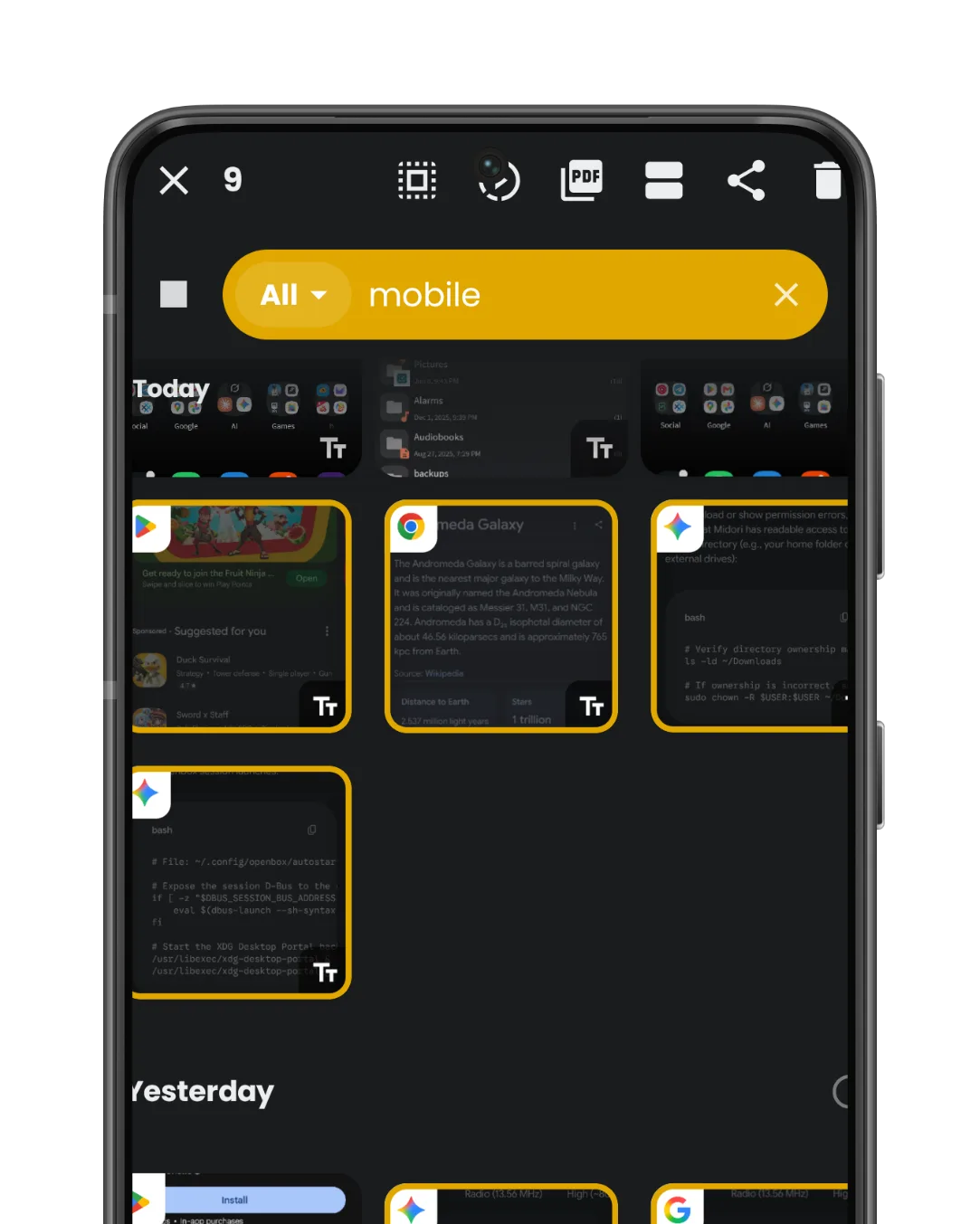
Never lose a screenshot again. SnapTidy automatically runs OCR on every screenshot you capture, making all text inside your images fully searchable. Find any screenshot instantly by
searching for words, names, codes, or phrases — even from receipts, chats, or documents.
- Full on-device OCR — no internet required
- Search across hundreds of screenshots in milliseconds
- Label images and store them
- Indexes automatically in the background
- Email and phone number automatic entity extraction
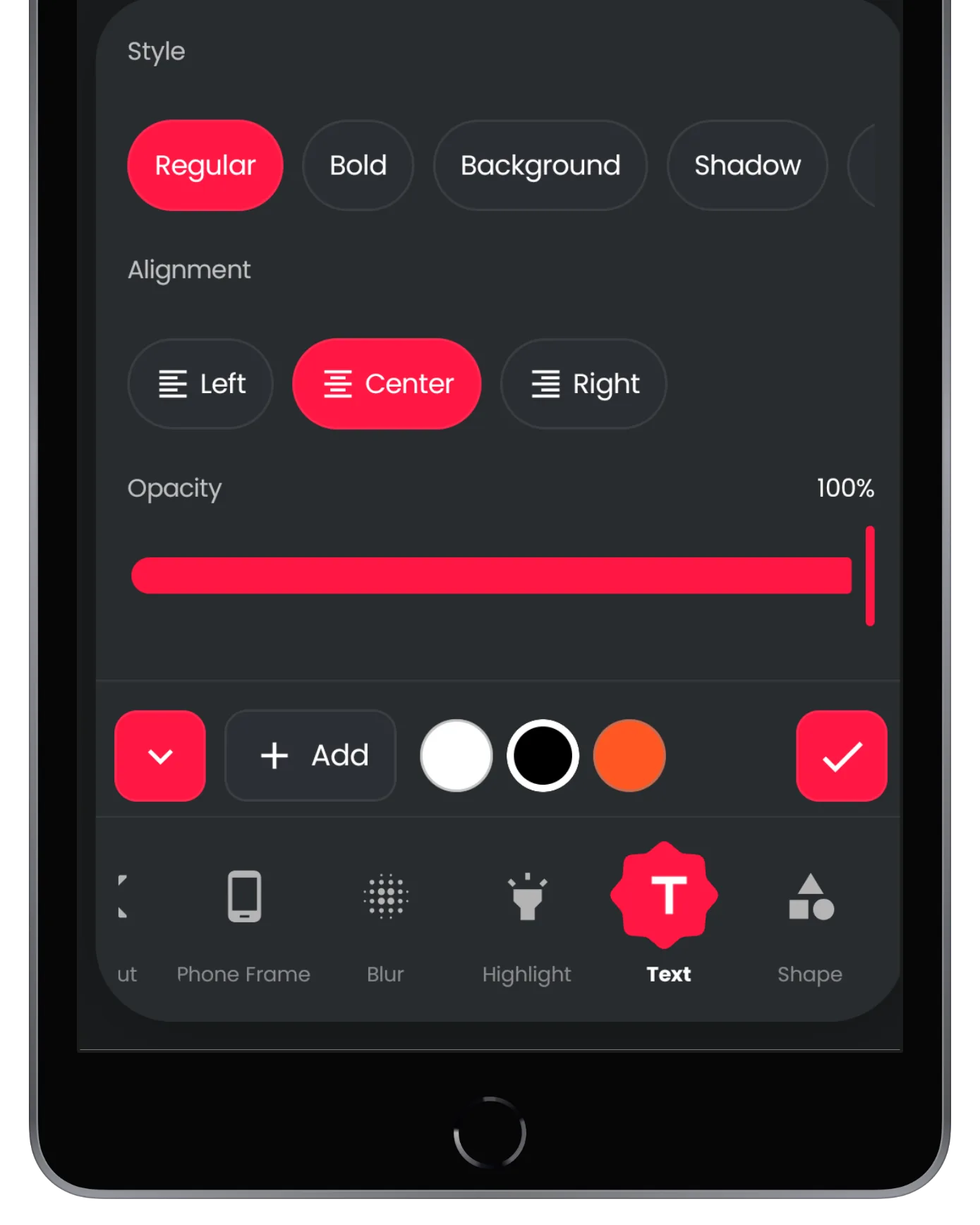
A full-featured photo editor right in your pocket. Crop, annotate, blur sensitive info, add shapes, text, stickers, watermarks, device frames, and more — all with a clean, intuitive
interface.
- Freehand lasso, rectangle and circular crop modes
- Blur modes: Normal, Mosaic
- Text with custom fonts, backgrounds, and shadows
- Watermarks, shapes, emojis, and image overlays
- Device frame mockups with transparent background export
- AI-powered upscaling and magnifier loupe tool
- Highlight text with different modes
- Add images
- Add different effects
- Cutout image segmentation
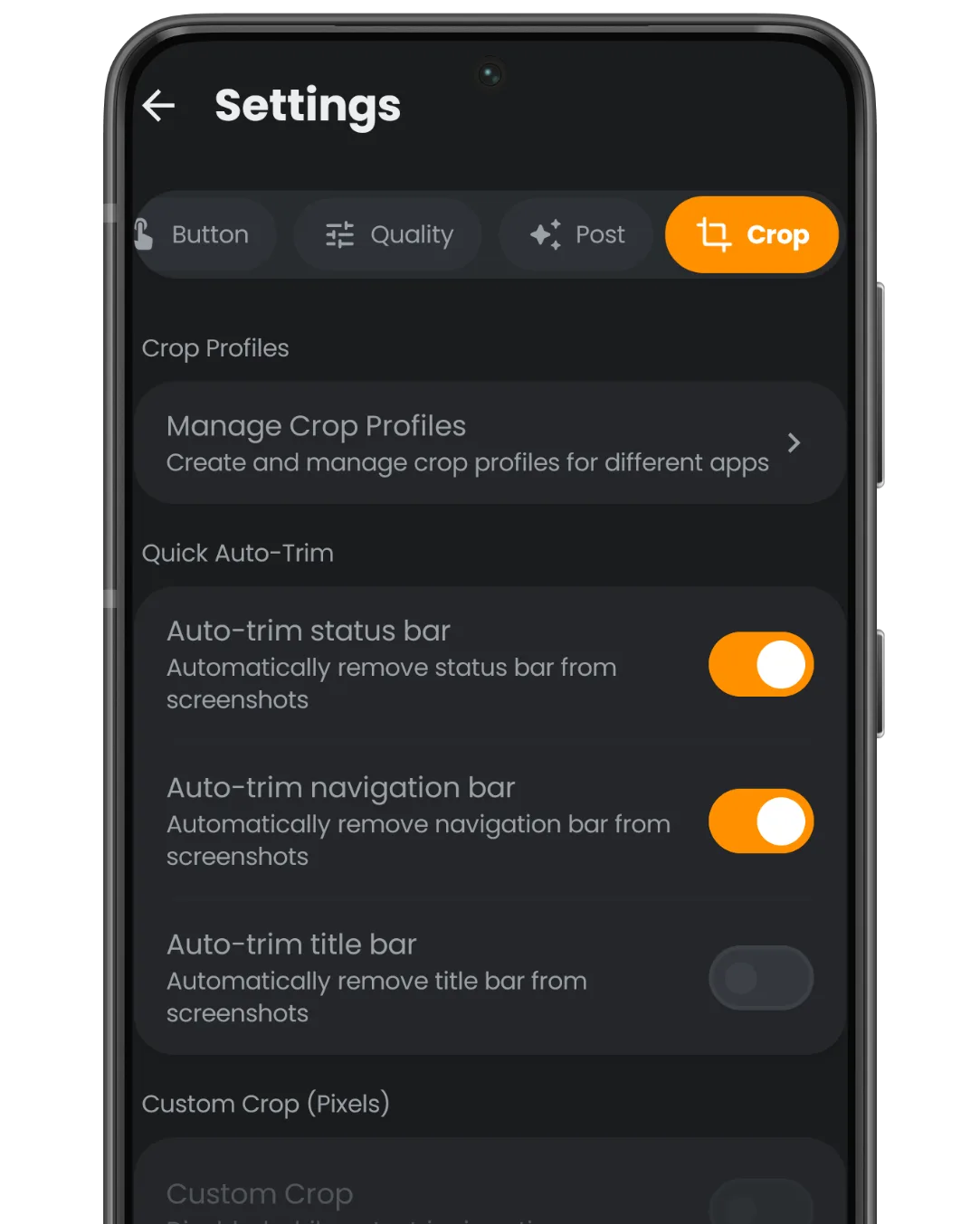
- Auto trim bars
- Padding tool
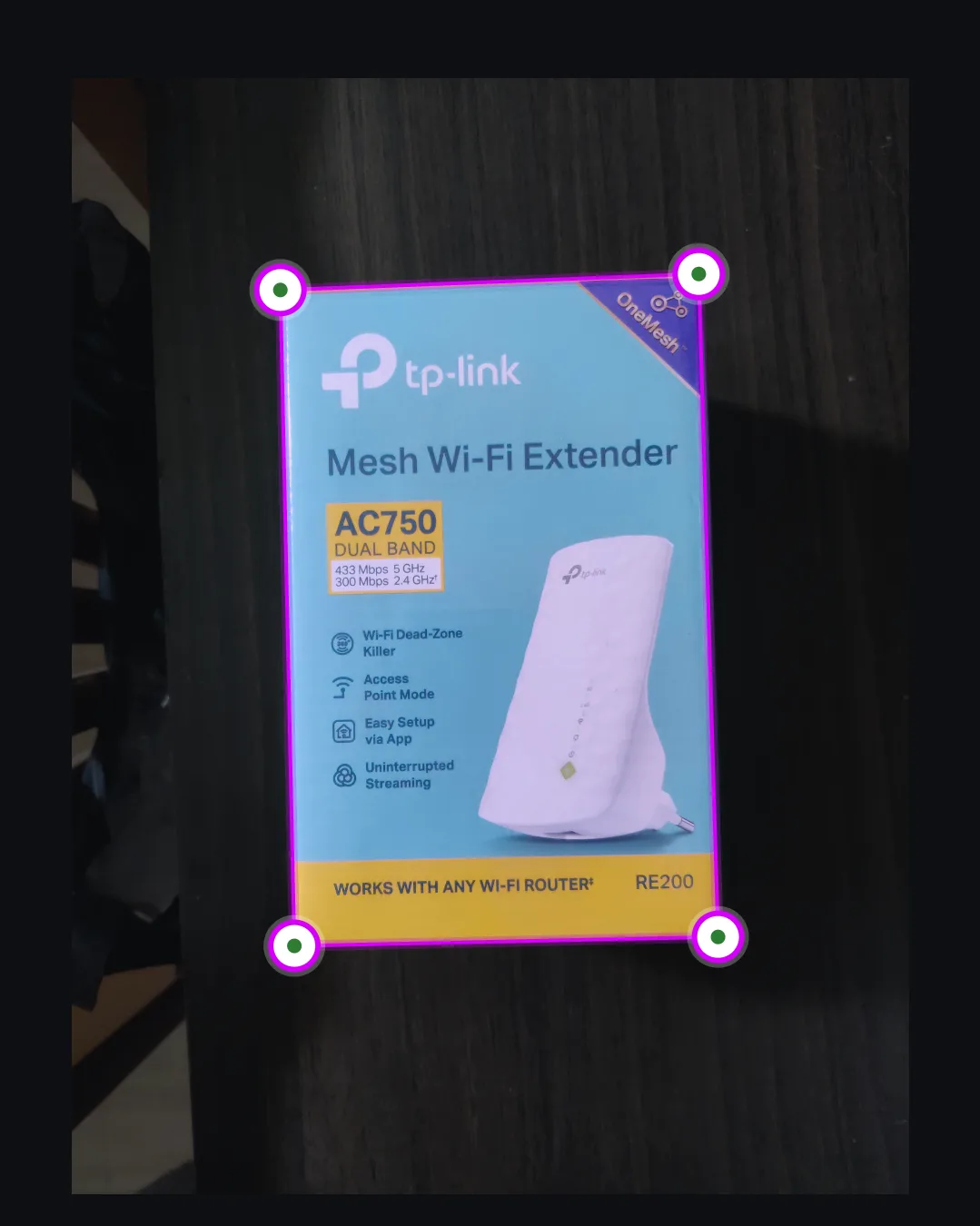
Transform any photo into a clean, professional document. SnapTidy detects edges, corrects perspective, and enhances contrast to produce crisp scans ready for sharing or archiving.
- Automatic edge and corner detection
- Perspective correction and distortion fix
- OCR document text
- Export as image or share directly
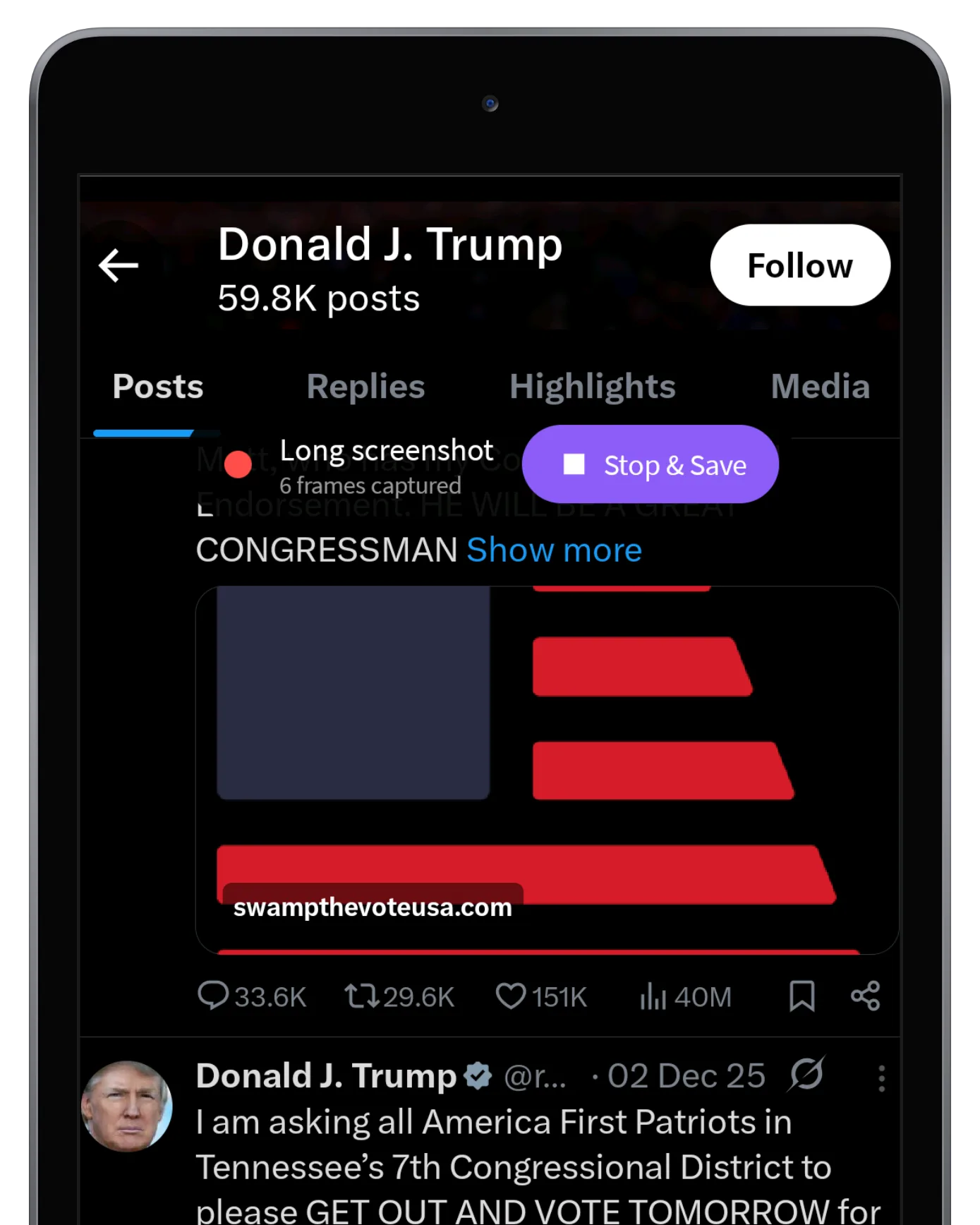
Capture content that doesn't fit in a single frame. SnapTidy intelligently stitches multiple screenshots into one seamless long image — perfect for conversations, articles, and web
pages.
- Automatic alignment using OpenCV image matching
- Gesture-based scrolling capture mode
- Handles overlapping regions flawlessly
- Single/Long/Auto capture modes via floating button
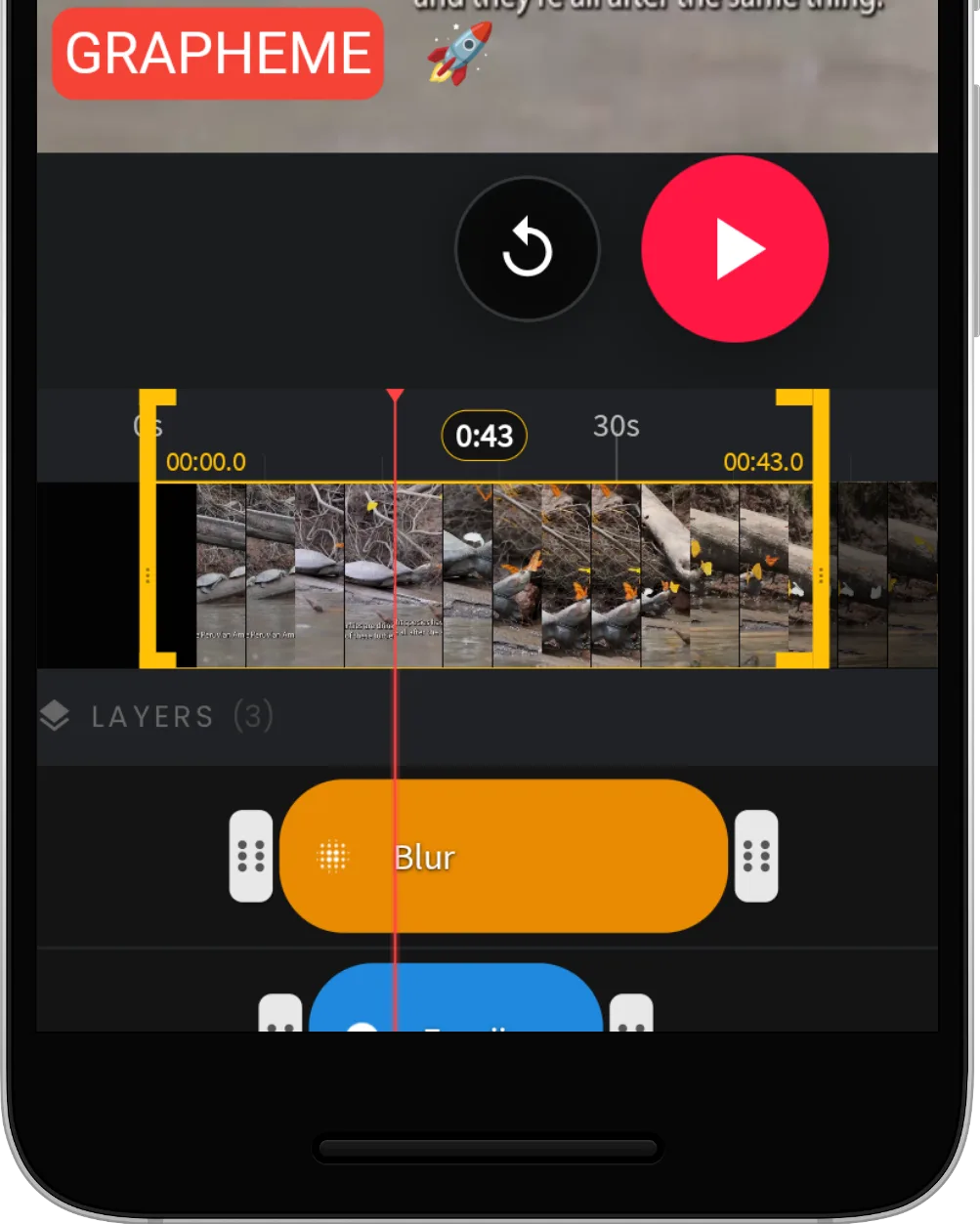
Create polished videos and slideshows from your screenshots and photos. Add text, shapes, transitions, color grading, and export in high quality — all without leaving the app.
- GLSL transition effects between slides
- Animated text and shape overlays with entry/exit effects
- Filter and color grading with LUT support
- Timeline with layer ordering and snapping
- 60fps export option for slideshow
- Add audio to videos and slideshow
- Add image
- Automatic face detection blur
- Adjust video effect, contrast and brightness
- Crop video
- Video progress overlay
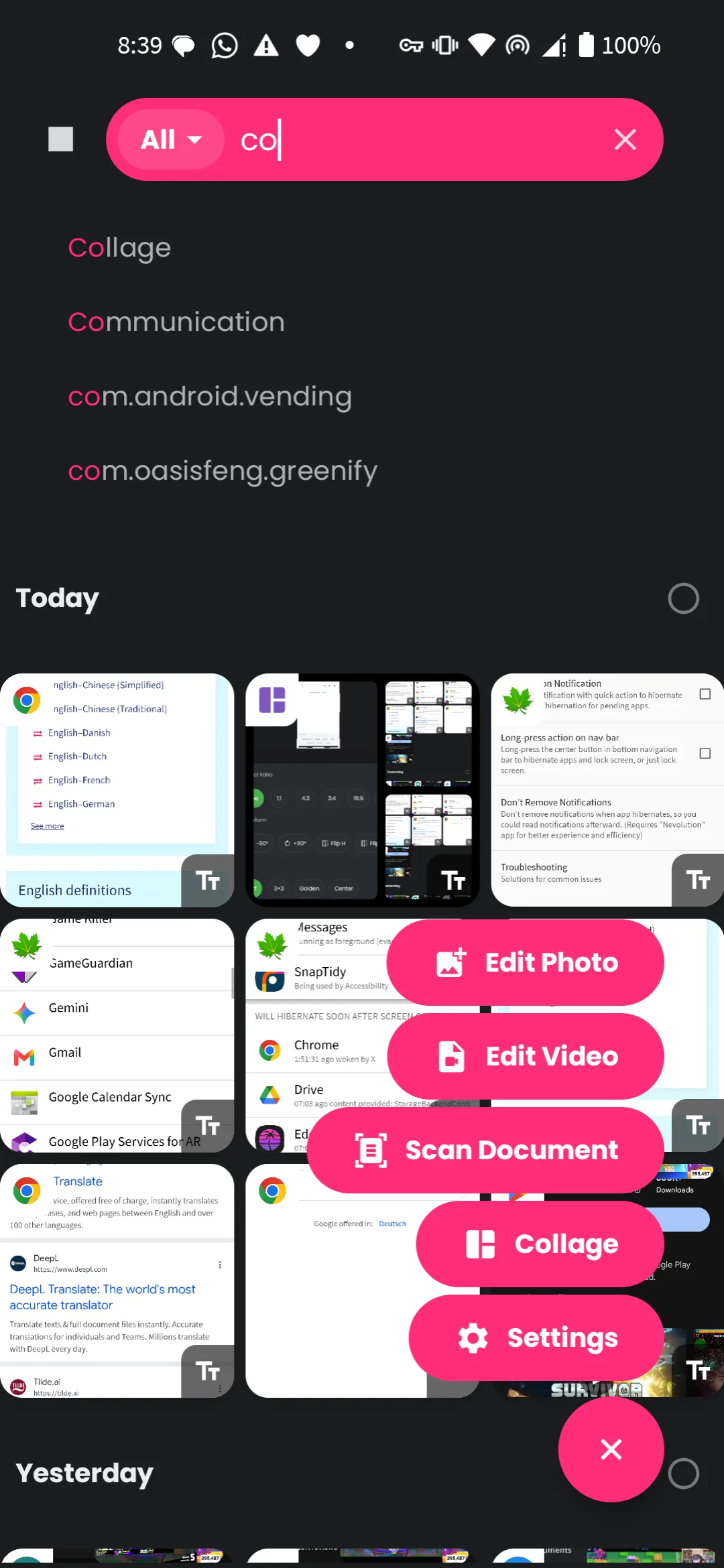
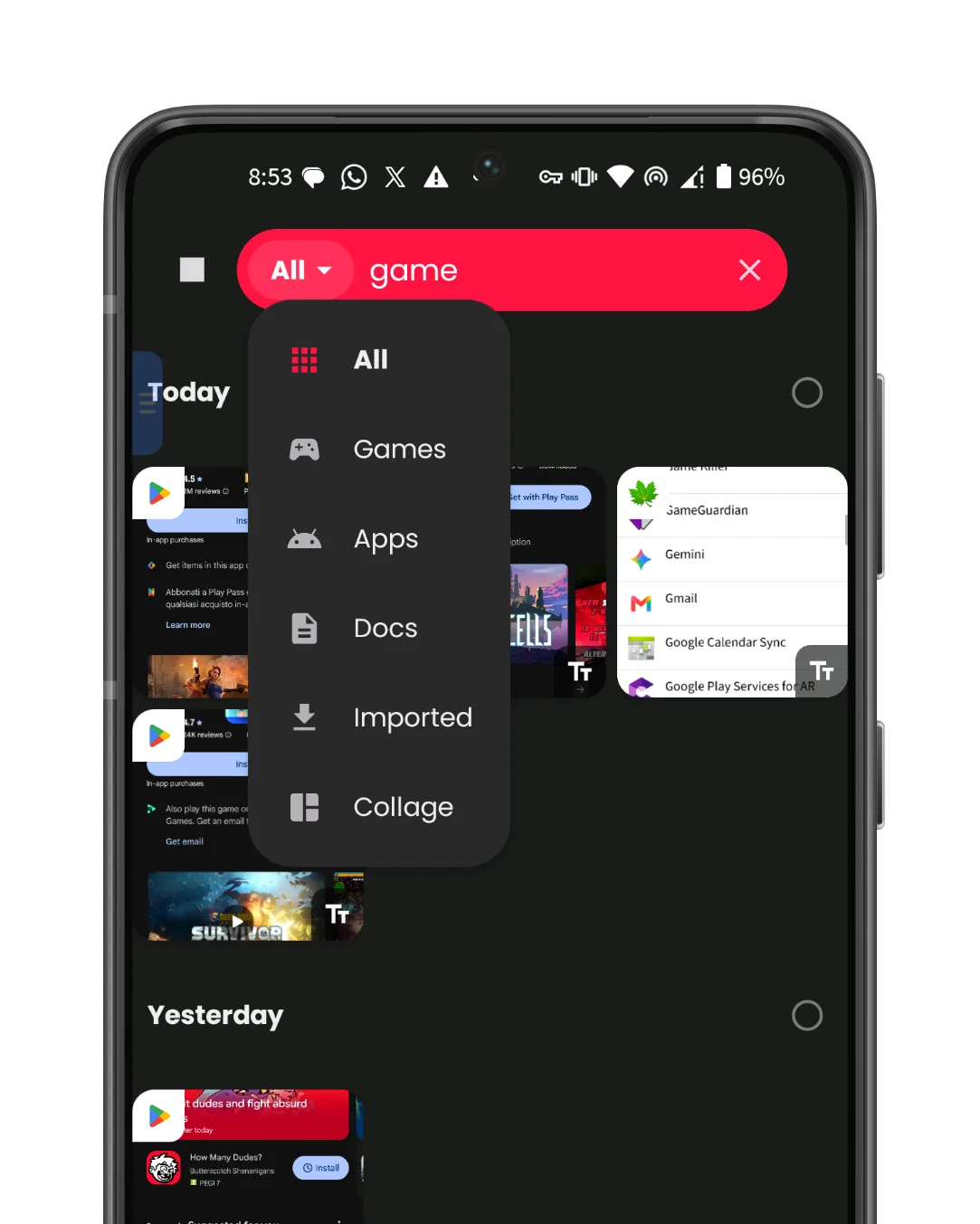
Designed to feel fast and effortless. SnapTidy's interface adapts to your workflow with a floating action button, smart filters, and a gallery that keeps your screenshots organized
automatically.
- Floating multi-mode capture button(long press)
- Automatic folder filters (Screenshots, Imported, Collage, and more)
- Smooth animations and Material You theming
- Grid view with OCR badge indicators
- Filter gallery by app
- Beautiful theme colors accent
- Easy copy OCR text
Full control over how SnapTidy works, with everything processed on your device — no cloud uploads, no data collection.
- Per app Show/Hide/Disable floating button and screenshot service
- Customizable capture intervals for automatic mode
- Editor tool preferences saved per session
- All OCR and face detection runs fully offline
- No ads, no account required, no data leaves your device
- Custom crop profile, per app settings
- Different capture methods: shake, back-tap
- Collapse to wall for floating button
- Customize floating button size
- Different image format, quality settings
- Quick actions menu: share, edit and delete
- Auto trim status bar, title bar, navigation bar and custom values